# p5js_gleam
[](https://hex.pm/packages/p5js_gleam)
[](https://hexdocs.pm/p5js_gleam/)
A simple game library providing [p5js](https://p5js.org/) bindings for Gleam in a functional style to make basic games and animations. Heavily inspired by the Racket library 2htdp/universe.
This project is primarily made up of
- A [bun](https://bun.sh/) script that is used to generate bindings for p5js class methods
- Script is based on script created for [glare](https://github.com/Enderchief/glare/tree/master/scripts)
- A wrapper game engine that provides a functional interface to p5js
## Showcase
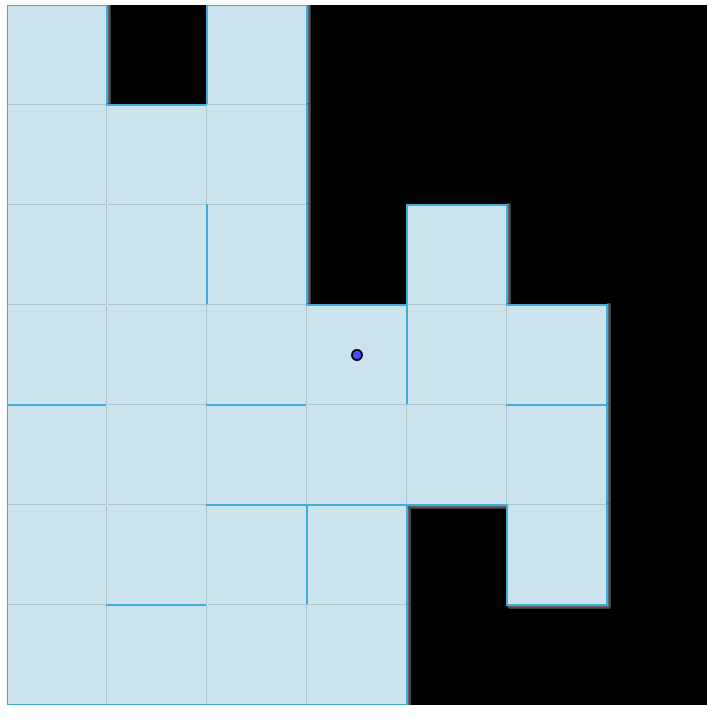
An example generated maze
An example ball spawner

## Using the library
Add the library to your project by running the following command
```bash
gleam add p5js_gleam
```
Then add a call to the `start_sketch` function in your main function.
```gleam
import p5js_gleam.{type P5, SketchConfig}
import p5js_gleam/bindings as p5
import gleam/option
fn setup(p: P5) -> String {
p5.create_canvas(p, 800.0, 600.0)
"Hello, world!"
}
fn draw(p: P5, state: String) {
p5.background(p, "#ffffff")
p5.fill(p, "#000000")
p5.text(p, state, 400.0, 300.0)
}
pub fn main() {
p5.start_sketch(SketchConfig(
init: setup,
draw: draw,
on_tick: option.None,
on_key: option.None,
on_mouse: option.None,
))
}
```
Afterwards you will need to build your project and include it in an html file. The html file must import p5js as a module before the generated javascript file. The easiest way to do this is to load the p5js library from a CDN.
```html
Ball Spawner
```
To see the library in action you can serve one of the examples in the `examples` directory.
## Generating FFI Bindings
To generate the FFI bindings you will need bun installed. Once you have bun installed run
```bash
bun run ./scripts/generate_p5.ts
```